01
Import a profile from your CV
Select a PDF, DOCX, DOC, or TXT CV and let the extension extract reusable contact and professional profile fields locally.
 Automatic Easy Apply Jobs
Import your profile from a CV, reuse application answers, attach your documents, and immediately see which fields still need your attention.
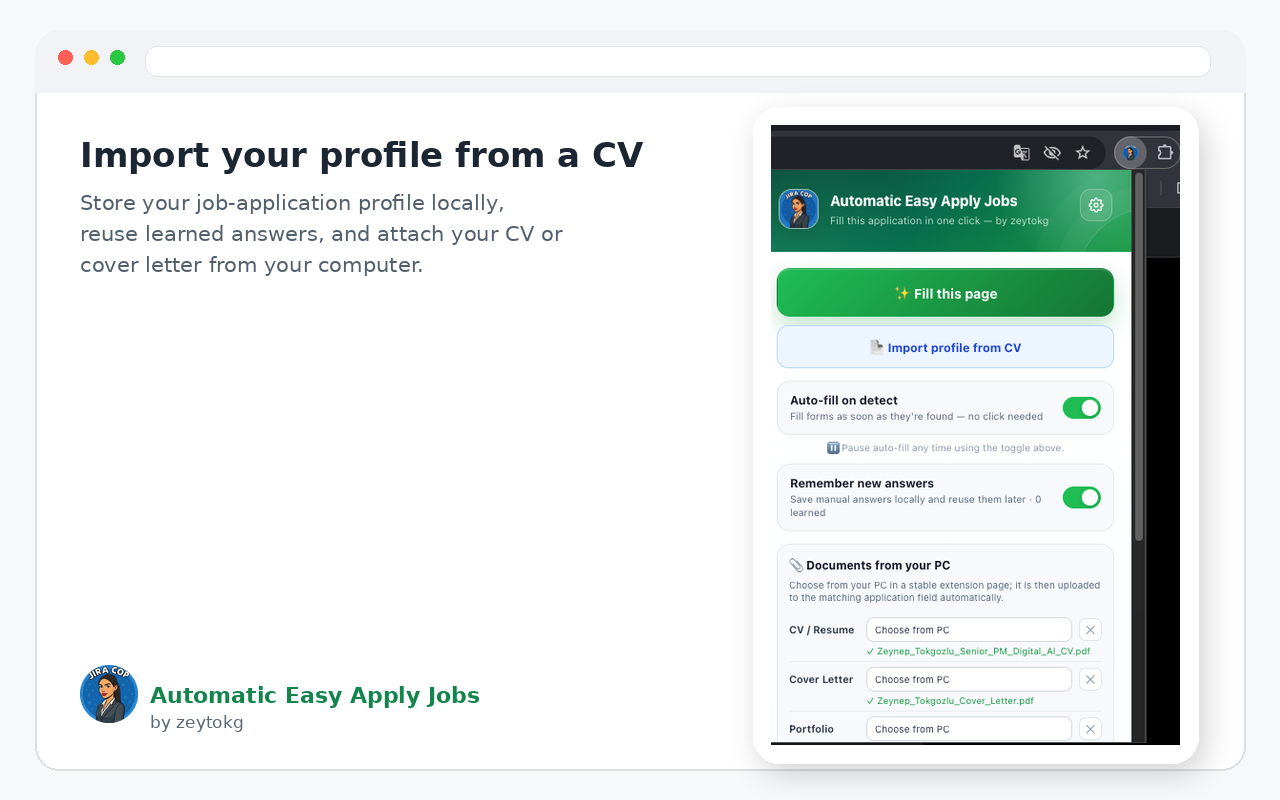
Select a PDF, DOCX, DOC, or TXT CV and let the extension extract reusable contact and professional profile fields locally.
Recognizes common text fields, professional summaries, dropdowns, radio buttons, checkbox groups, salary fields, location fields, and more.
Store a CV, cover letter, or portfolio file locally and reuse it on compatible upload fields; portfolio files can also match additional/supporting document requests.
Optionally remember answers you enter inside job-application forms — including dropdown, radio, and checkbox choices — and reuse them on matching questions. Search and navigation controls are ignored.
Unanswered visible fields are highlighted so you can jump directly to the parts that still need manual review.
Passwords, OTPs, passport/ID numbers, banking and card details, API keys, and similar secrets are excluded from saved answers and autofill.
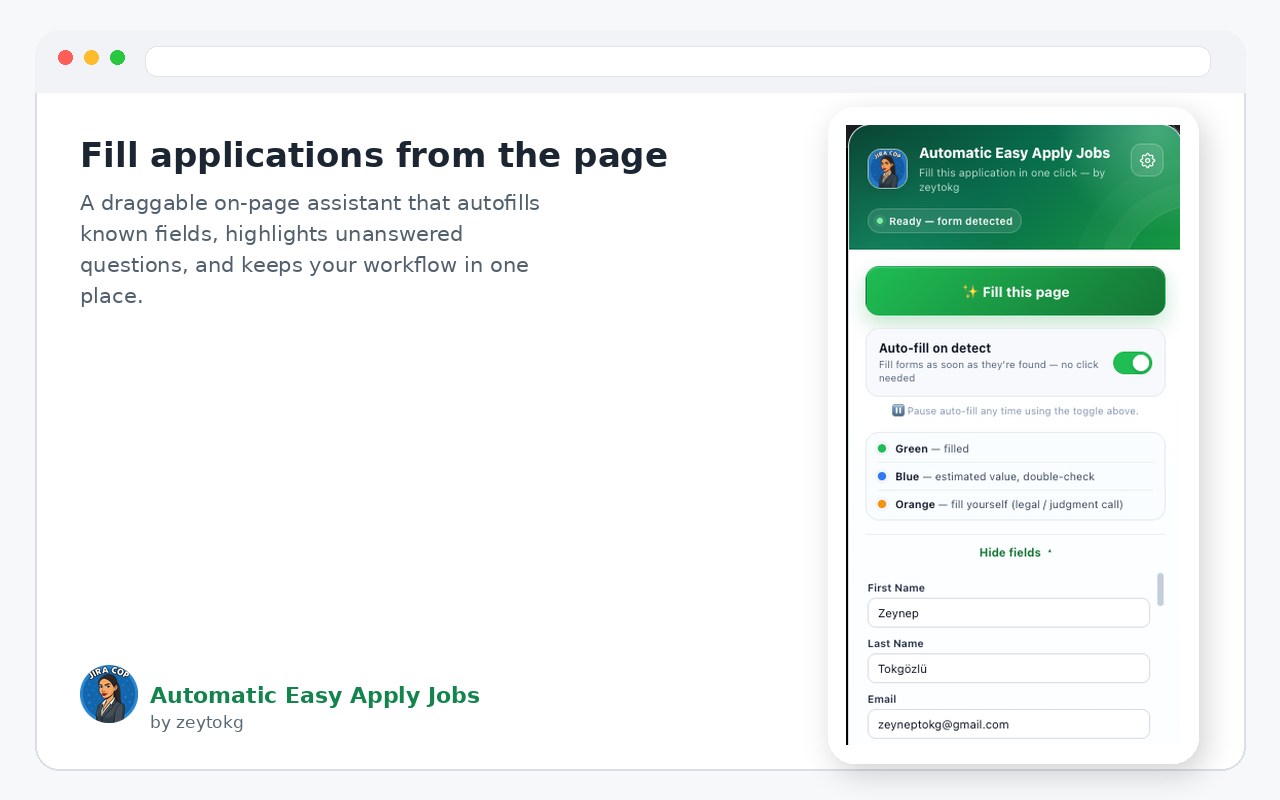
Draggable on-page assistant with fill controls and unanswered-field review.
Toolbar popup with CV profile import, document status, learned answers, and settings access.
Open the official listing and choose “Add to Chrome”. Chrome handles installation and future updates automatically.
The extension is designed to store profile data, selected documents, and learned answers in browser extension storage. It does not require an account or a developer-operated profile database. Sensitive credential and identity-number fields are intentionally excluded from learned answers.