Instagram Unfollowers Finder icon Instagram Unfollowers Finder
Local-first · no account data sent to me

See who doesn’t follow you back.

Scan the accounts you follow, filter the results, and choose what to do next — from a draggable Chrome panel or a one-time console script.

Two ways to use it

Pick the workflow you prefer.

Recommended

Chrome extension

Install once. A draggable heart appears on Instagram; click it, open the panel, then start scanning. No console required.

No install

One-time console script

Open Instagram, paste the published script into DevTools, and run it for the current session. The source stays visible so you can inspect it first.

Extension setup

Install it once, then use it from Instagram.

1
Open the Chrome Web StoreOpen the official Instagram Unfollowers extension listing.
2
Add it to ChromeUse the Add to Chrome button on the store page and confirm the installation.
3
Log in to InstagramOpen instagram.com and sign in to your account. The extension needs an active Instagram session in this browser; if you were already signed in, refresh the tab.
4
Click the heartDrag the heart where you want it, open the panel, and start the scan.
Login & privacy

Your Instagram password is never requested or stored.

The extension uses the Instagram session already open in your browser. The developer does not maintain a separate developer-controlled database of the Instagram account information processed by the extension.
Screenshots

What the workflow looks like.

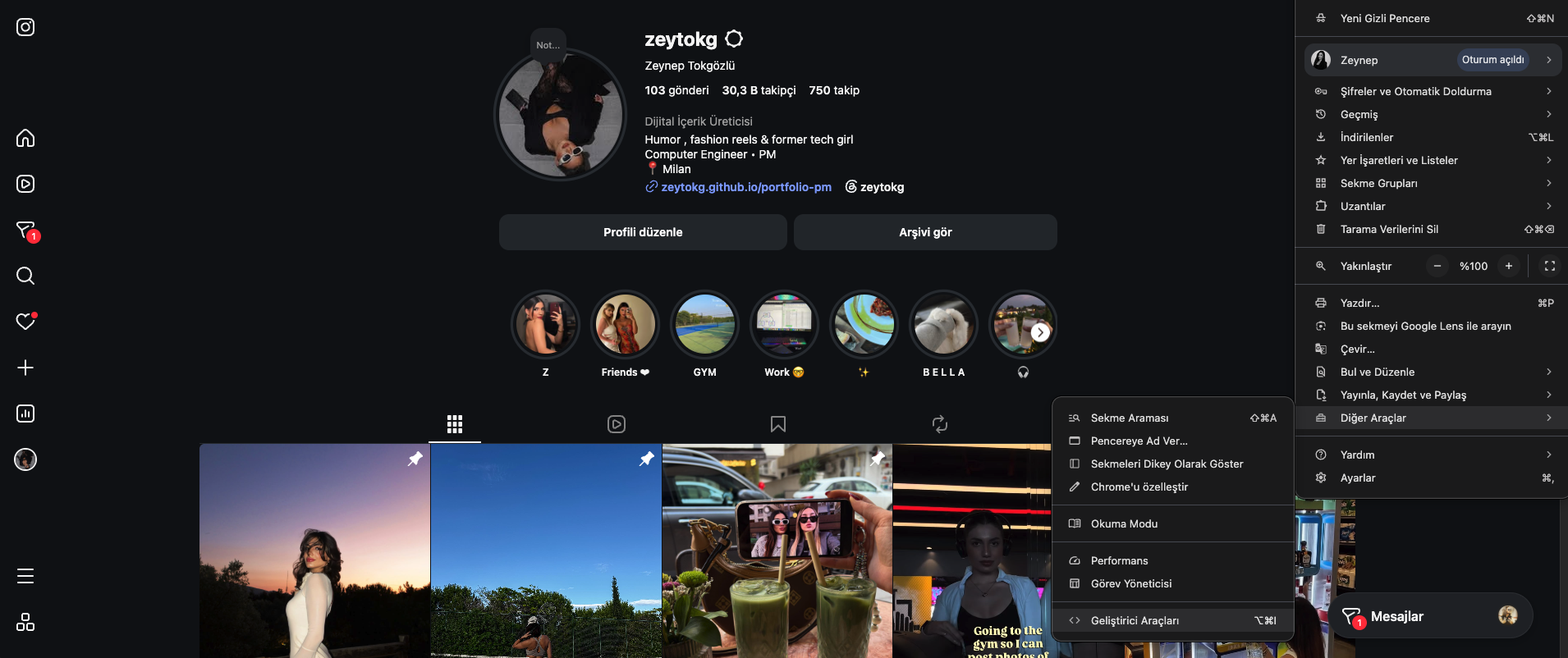
Open the developer console.
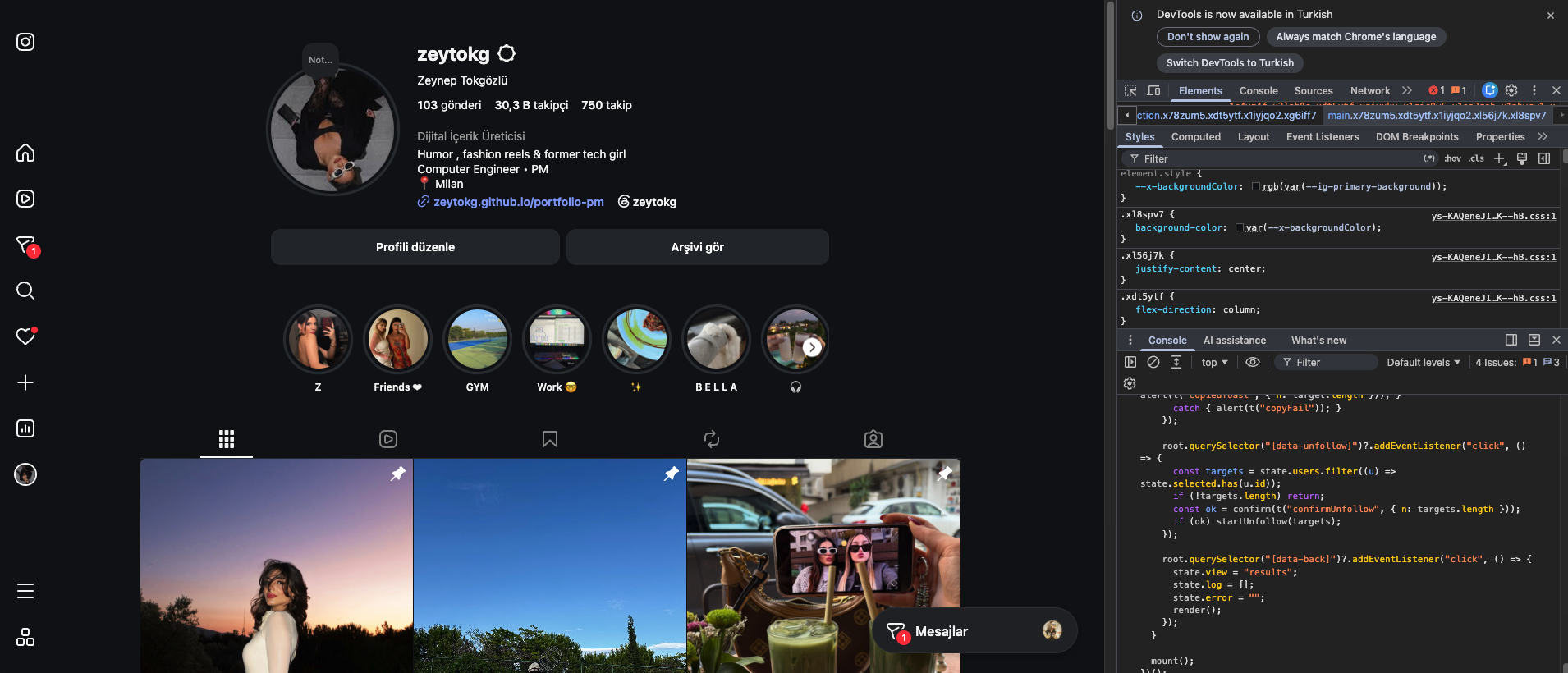
Paste the published script.
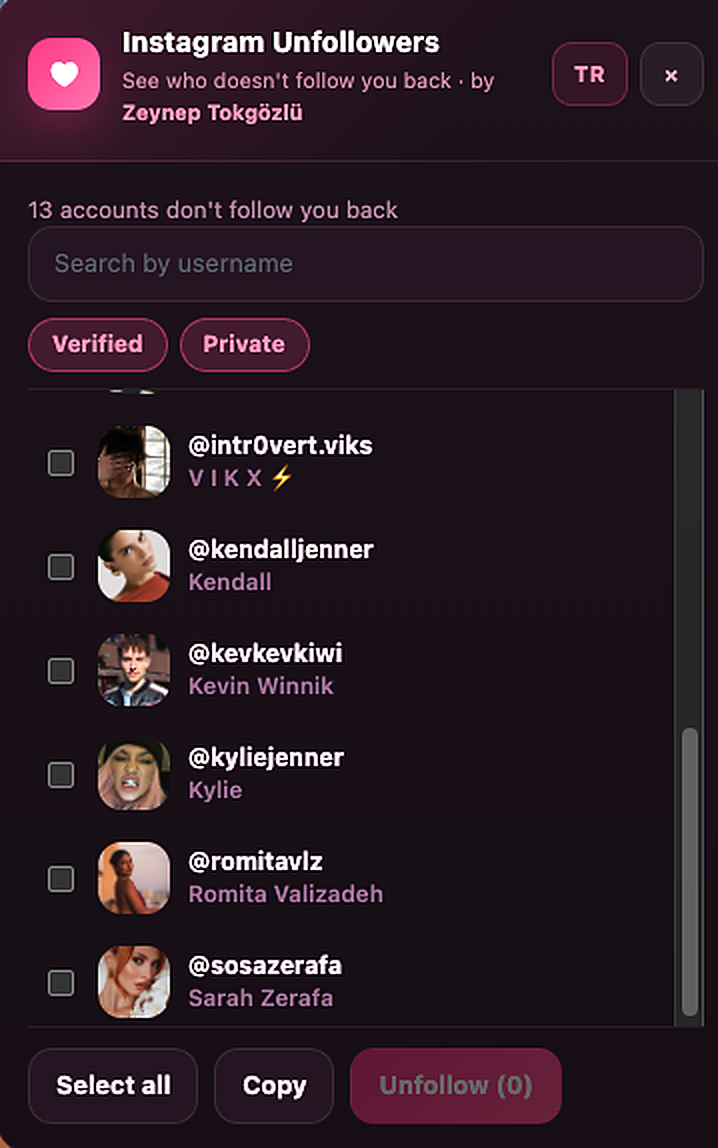
Review accounts that do not follow you back.
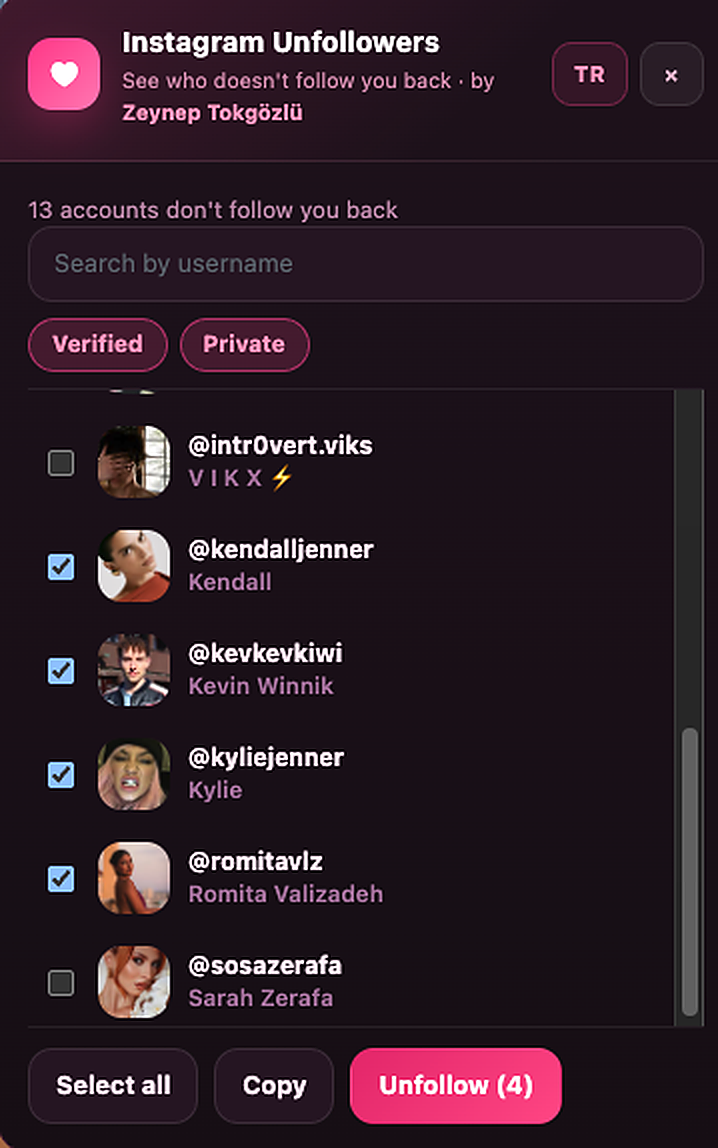
Select the accounts you want to act on.
Console version

Want to inspect the source first? Good.

How to use it

1
Log into instagram.com.

Keep the Instagram tab open while you run the tool.

2
Open your browser's developer console.

Windows/Linux: Ctrl + Shift + J    macOS: Cmd + Option + J

3
Copy the code below, paste it into the console, and press Enter.

If Chrome blocks pasting, it may show a self-XSS safety warning. Review the source first and follow Chrome's on-screen guidance before pasting.

4
Click "Scan now" in the panel that appears in the top-right corner.

Wait for the scan to finish, then review and filter the results before taking any action.

instagram-unfollowers.js
Loading…
Privacy & verification

Check what it does before you run it.

The security page explains the published file hash and behavior. The privacy page explains what the extension can process and how the data flow works.

Home